On the roster, there is a hand and finger icon on the top right. Click that to turn on the tool. You can then select multiple shifts either one by one, by day or by resource (customer/staff).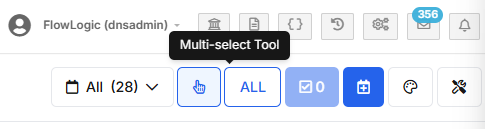
A lightning bolt will appear next to the hand which opens a window to perform an action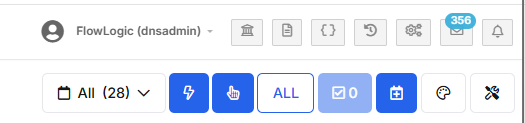
Select the option (e.g. complete the shifts) from the window then click apply. Remember there is a scrollbar for more options than just in the window provided.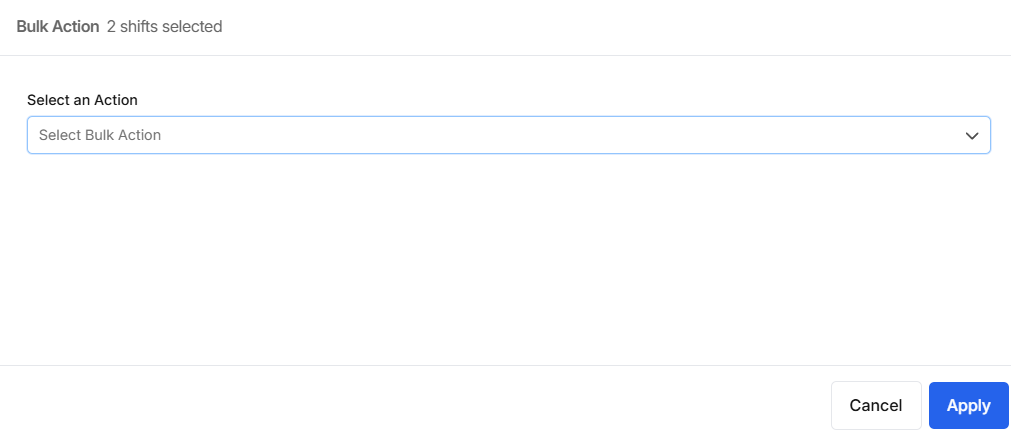
When it’s completed, you will get the heads up that the bulk action has been completed.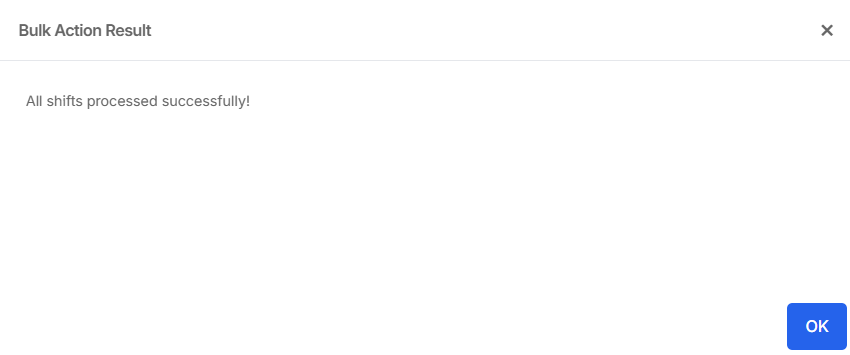
English