Key Points
Record Locks lets a user lock a record so no one else can edit it until an admin removes the lock.
Users with the "Record savelock" right can click Save & Lock at the base of a Form while editing, then confirm two warnings to apply the lock.
A temporary lock applies while someone is editing a record - another user who tries to edit it sees a warning.
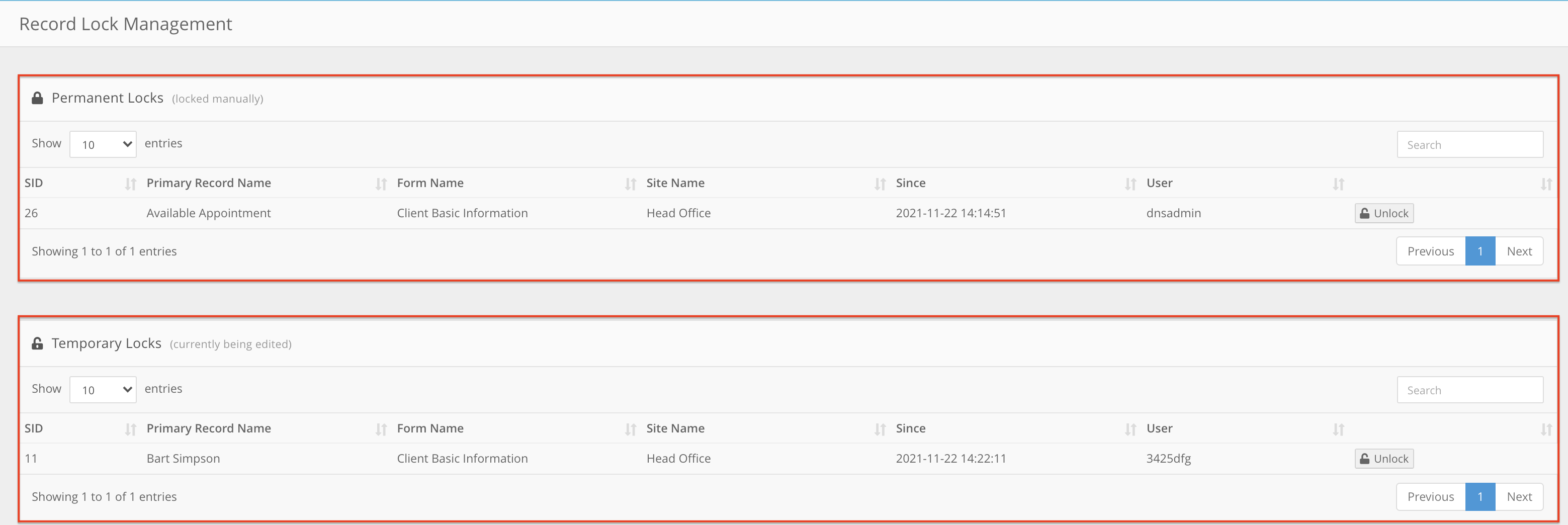
The Record Locks section lists Permanent Locks (manual locks) and Temporary Locks (records being edited), and you can unlock records from there. If you unlock a temporary lock, whichever user saves last overwrites the other's changes.
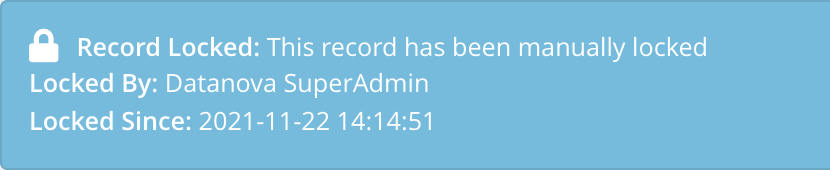
Locked records show a message at the top with when the lock was applied and by whom. Users with access to the Record Locks section can edit a locked record directly without unlocking it.
Locking a record
Record Locks is a tool that enables the user to "Lock" a record preventing anyone else from further editing until an admin staff member has removed the lock in place.
To apply a lock, you need the Right labelled "Record savelock". Once you have it, you can select the Save & Lock button at the base of a form when editing (shown below).

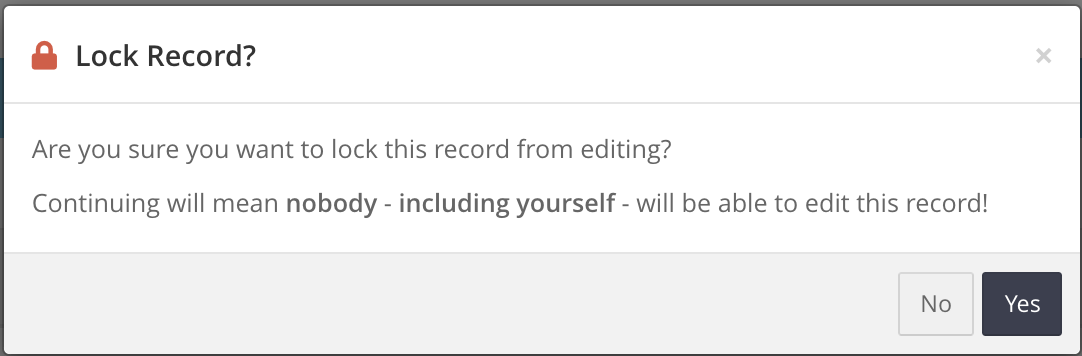
When selecting this option you will need to further confirm your understanding of the action you're about to perform.
If you choose to proceed, you will then again be presented with this warning to ensure there are no accidental locks applied to any record within the system.
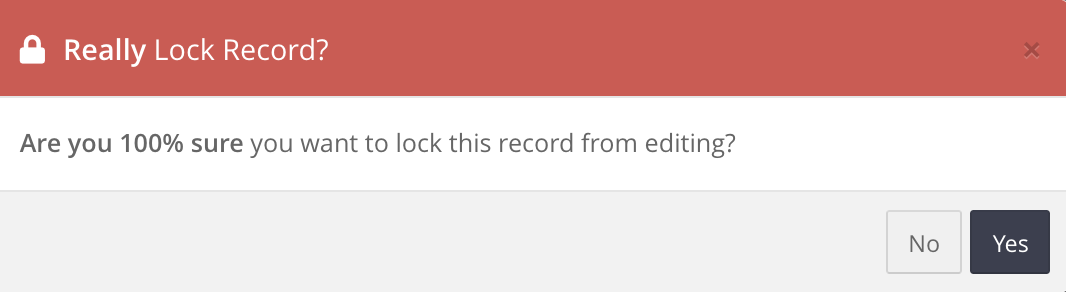
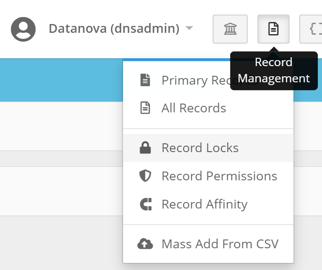
If you select Yes again, the record is locked and you can't edit it further until an admin unlocks it in the Record Locks section. You'll find it under Record Management > Record Locks.
Editing a locked record
If you have access to the Record Locks section, you can edit a locked record directly without unlocking it first. Other users can't make changes to it. Use the admin Edit record option shown below.
All records which have been locked will display this message at the top of the page to indicate when the lock was put in place and which user specifically applied the lock to the record.
Temporary Locks
If one user is editing a record and another user tries to edit it at the same time, they see this warning:

Unlocking records in the Record Locks section
The Record Locks section has two areas: Permanent Locks (records locked manually) and Temporary Locks (records currently being edited). Click Unlock next to a record so any user with access can edit it again.
Note: if you unlock a temporary lock while another user is still editing, whoever saves last overwrites the other person's changes.