
Key Points
The Vehicle Logbook automatically tracks and records vehicle usage.
Travel data is captured from:
- Rostered Shifts
- Timesheets
This data is then stored against a vehicle record when a timesheet is approved.
The feature requires initial system configuration to function correctly.
Logbooks can be customised to capture additional details such as fuel, condition, and compliance data.
What Is the Vehicle Logbook?
The Vehicle Logbook is a central record of:
- Vehicle usage
- Travel distances
- Driver activity
It provides a structured way to:
- Track mileage
- Monitor vehicle usage over time
- Support reporting and compliance
Important Setup Requirement
Travel must be linked to a vehicle logbook.
Without this, travel will still be recorded in shifts and timesheets, but it will NOT appear in the vehicle logbook form.
You can set this up in the system settings under travel.
Access to System Settings is typically restricted.
If you cannot access this section, contact your admin or reach out to FlowLogic support.
How Travel Data Is Captured
Vehicle logbook entries are generated from:
Timesheet travel entries
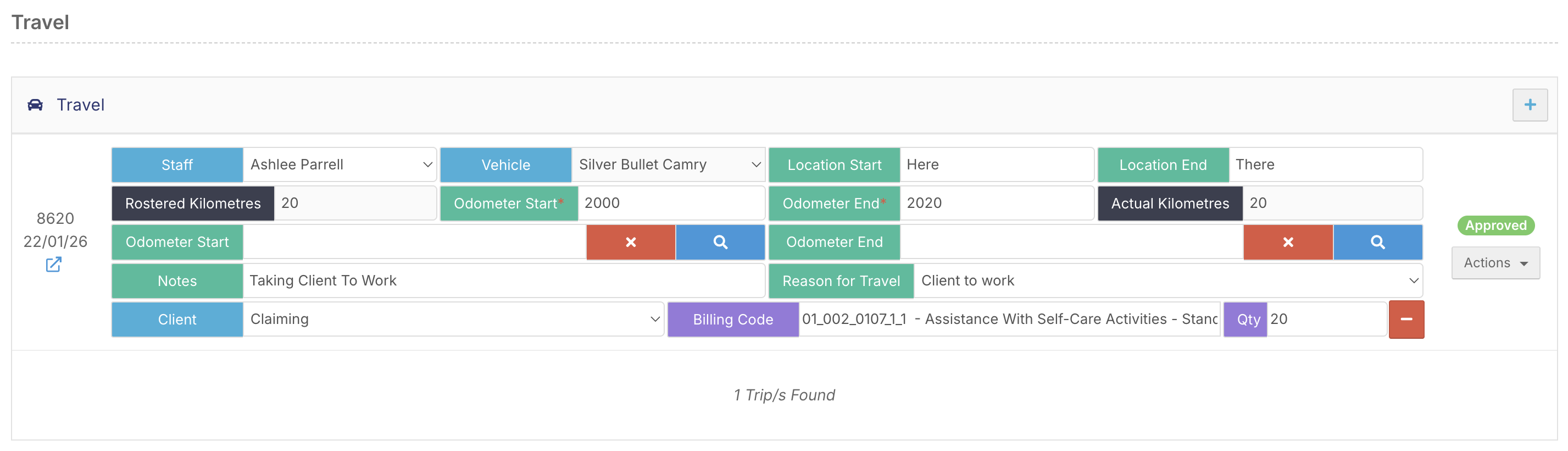
Example Data Captured:
- Vehicle used
- Odometer start
- Odometer end
- Distance travelled
- Travel notes
This ensures accurate tracking of vehicle usage.
Viewing Travel in Timesheets
To view travel data:
- Go to Timesheet Management
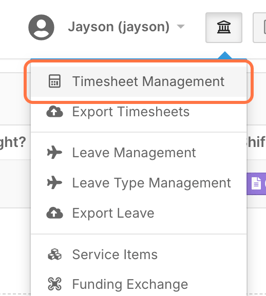
- Open a timesheet entry

You will see:
Recorded vehicle
Distance travelled
Odometer readings
Reason for travel
Approved timesheets will feed directly into the logbook.

Accessing the Vehicle Logbook
To view the logbook:
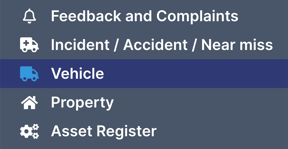
- Go to the Vehicles section (left-hand menu)
- Open a vehicle record
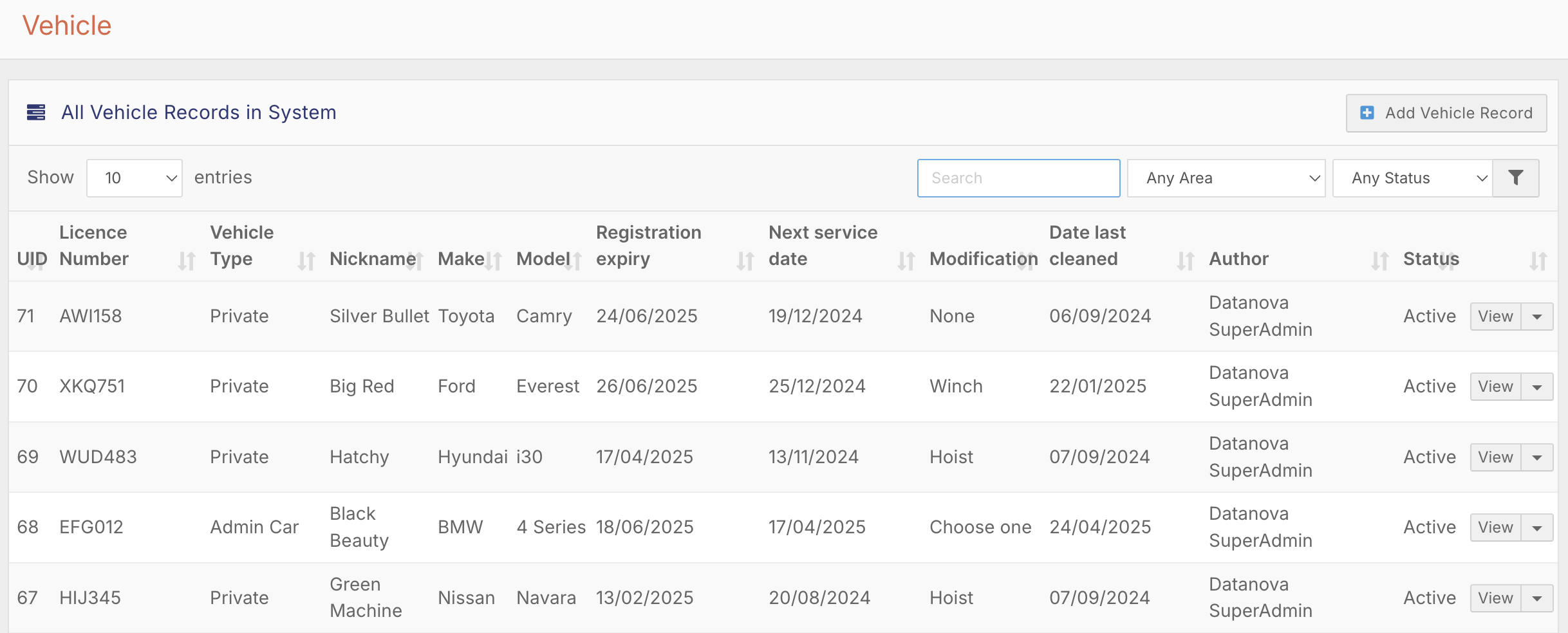
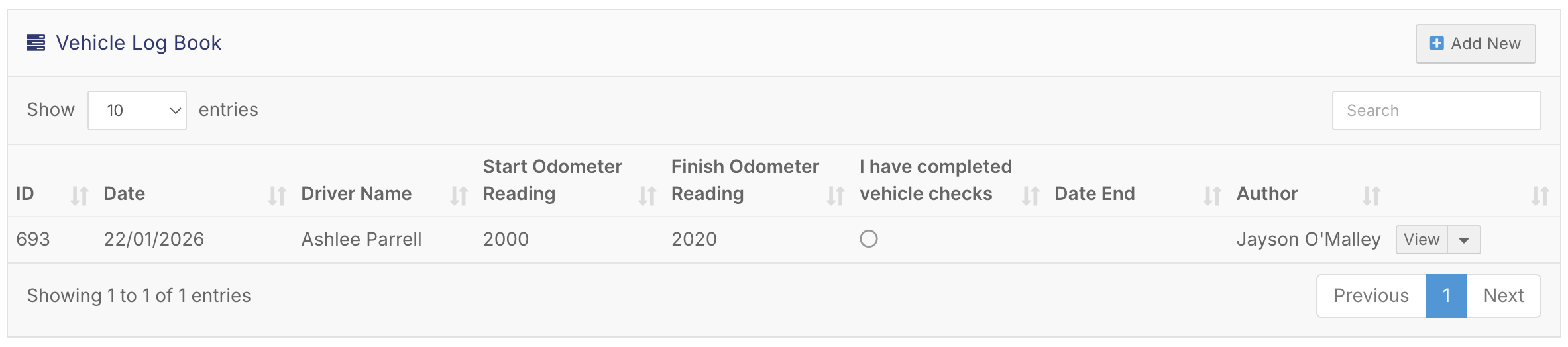
- Select the Vehicle Logbook tab
Understanding Logbook Entries
Each log entry represents a single travel instance.
This creates a complete history of vehicle usage.
Customising the Logbook
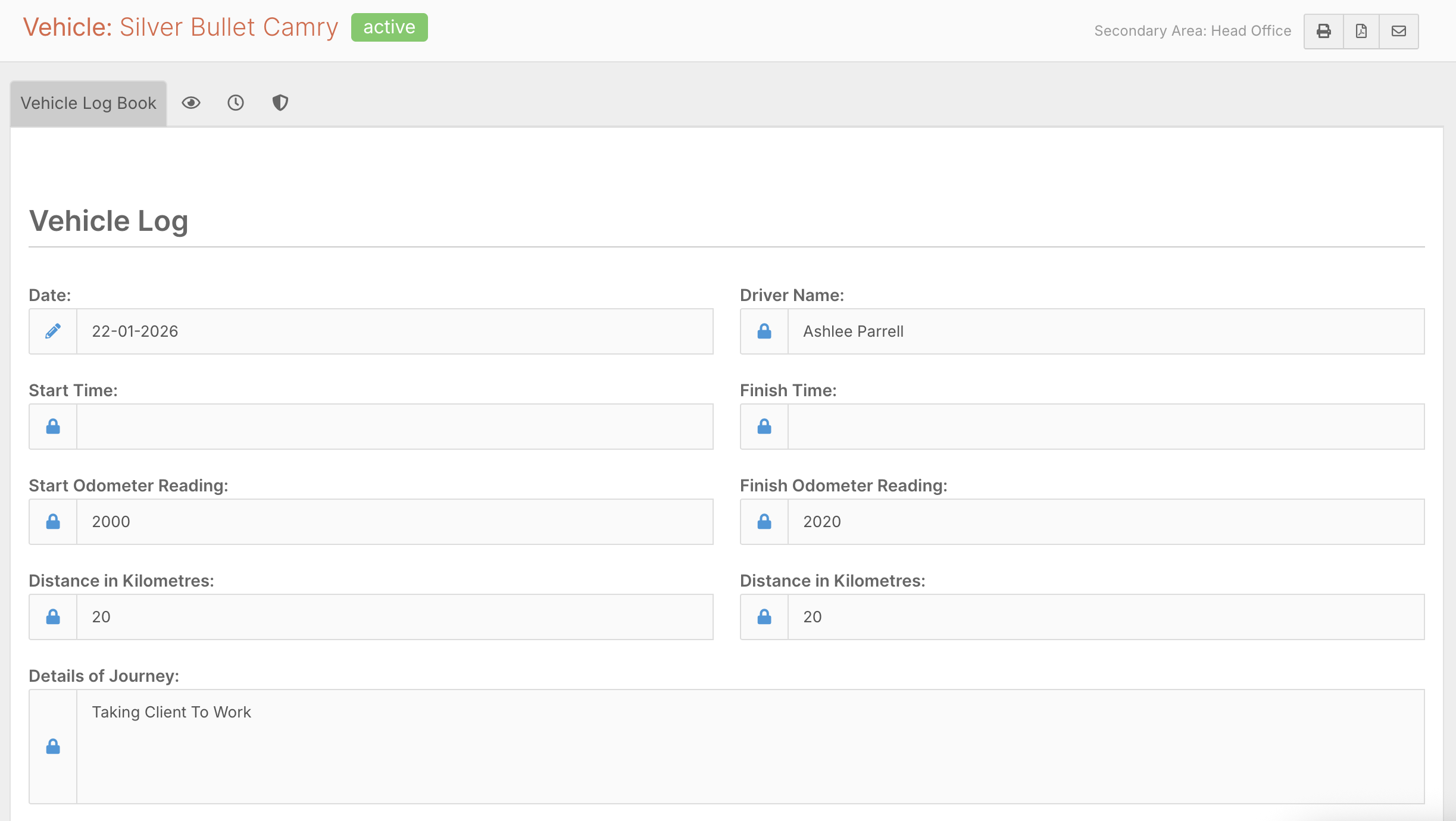
The Vehicle Logbook can be customised to include additional fields.
Common customisations include:
Start and end times
Vehicle condition checks
Maintenance notes
Compliance tracking
Customisation allows the logbook to match your organisation’s requirements.
Best Practice Recommendations
✔ Ensure system settings are configured before use
✔ Use consistent vehicle naming in timesheets
✔ Require accurate odometer entries
✔ Review logbook entries regularly
✔ Customise fields to match compliance requirements
✔ Train staff on correct travel entry